What you have.
Scan a receipt or add items directly, then track quantities, storage, expiry, use, and waste.
from the shop to the shelfA LITTLE MORE TOGETHER
Household inventory, meals, and shopping, connected. From groceries to cleaning and pet supplies, see what you have, what to cook, what to buy, and why.
Join the beta Take a little look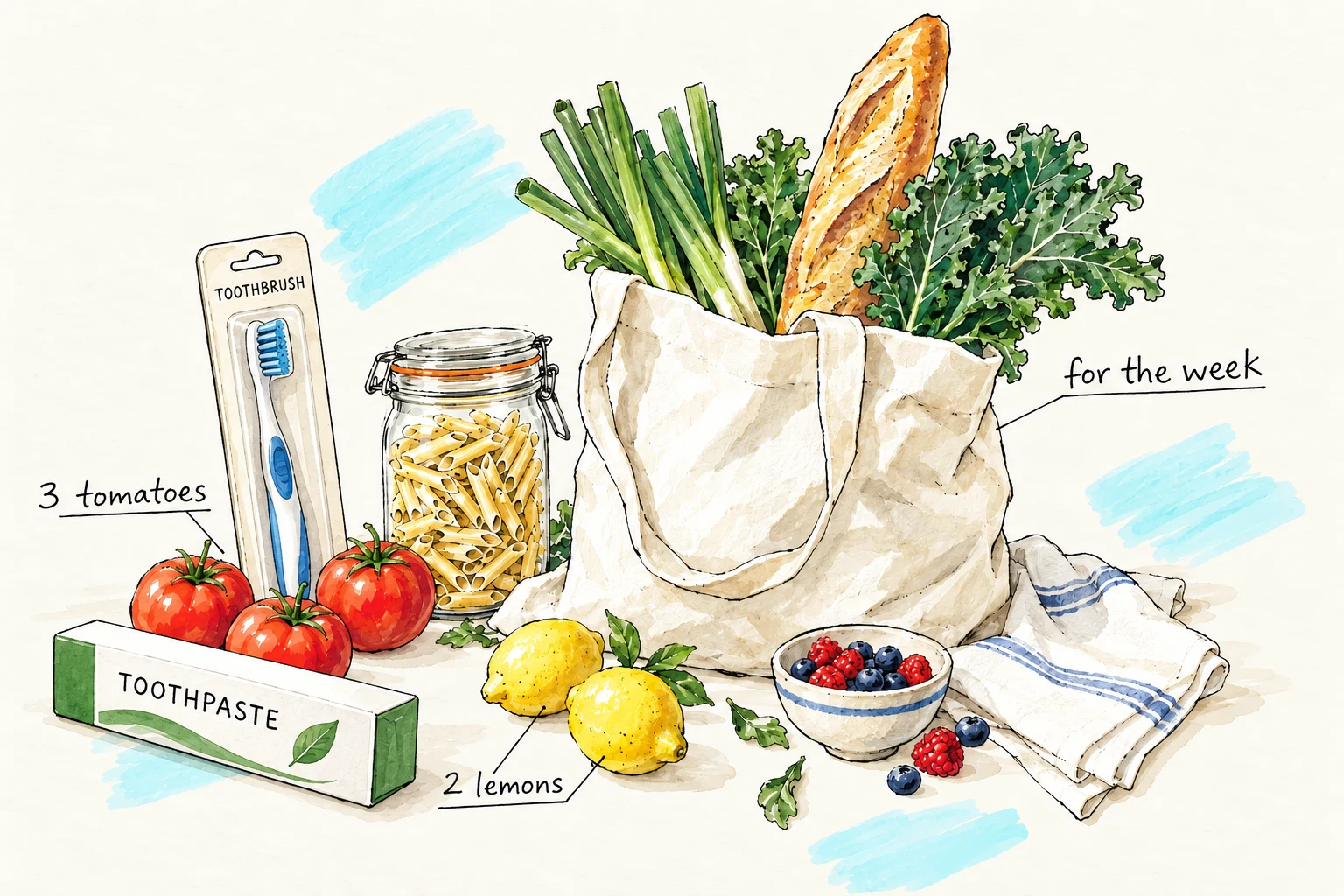
THE EVERYDAY PROBLEM
Whether you use a spreadsheet, a notes app, a paper list, or memory, it can start accurate and be wrong again by Friday. Plentish connects what comes in, what gets used, what is planned, and what still needs to be bought.
THE HOUSEHOLD LOOP
 Monday
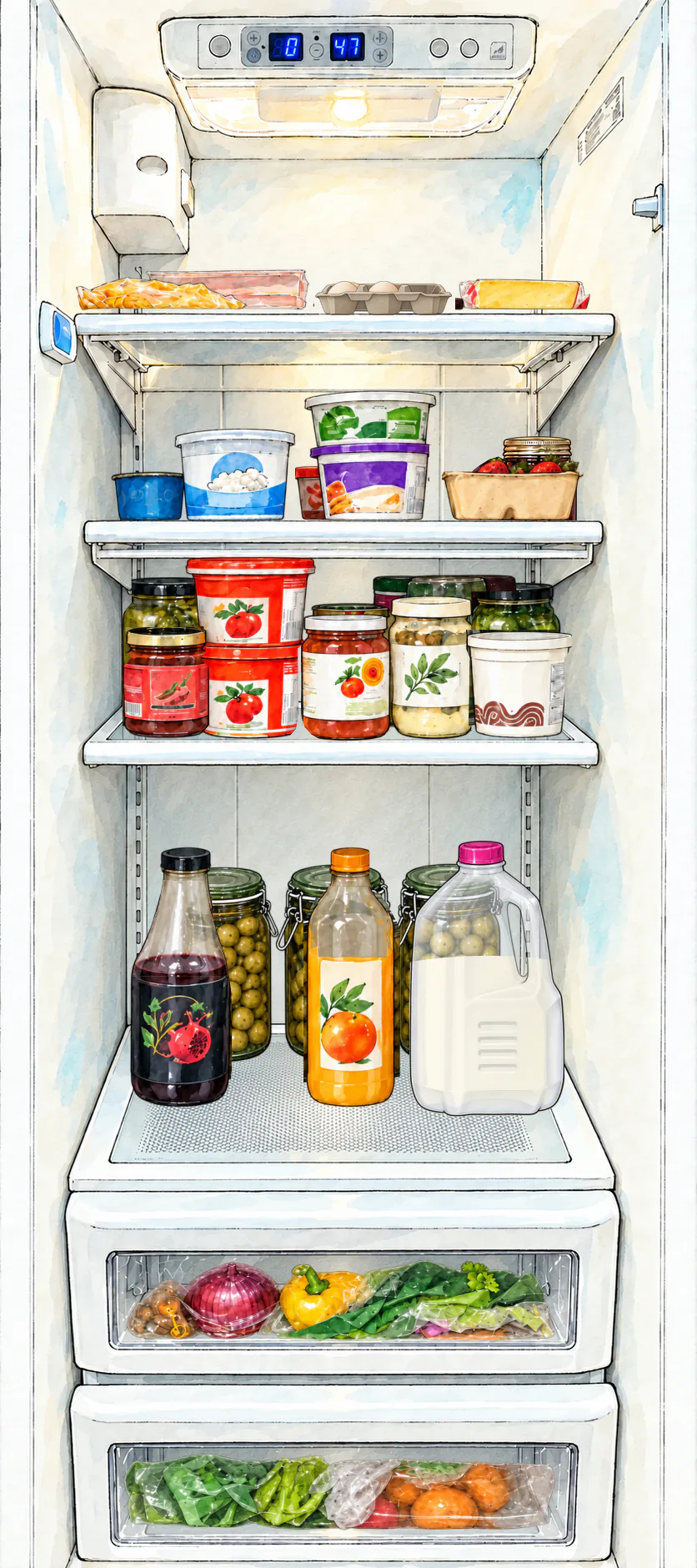 Tuesday
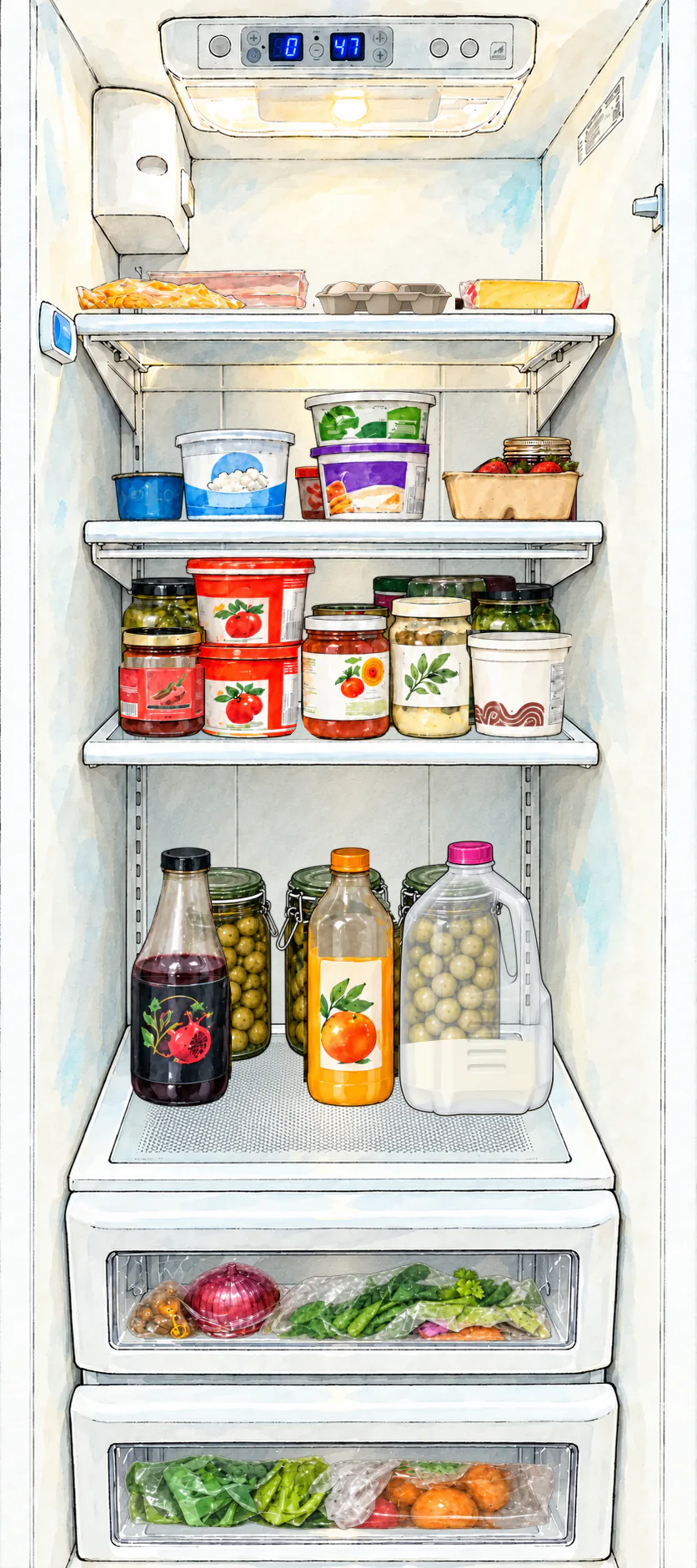 Wednesday
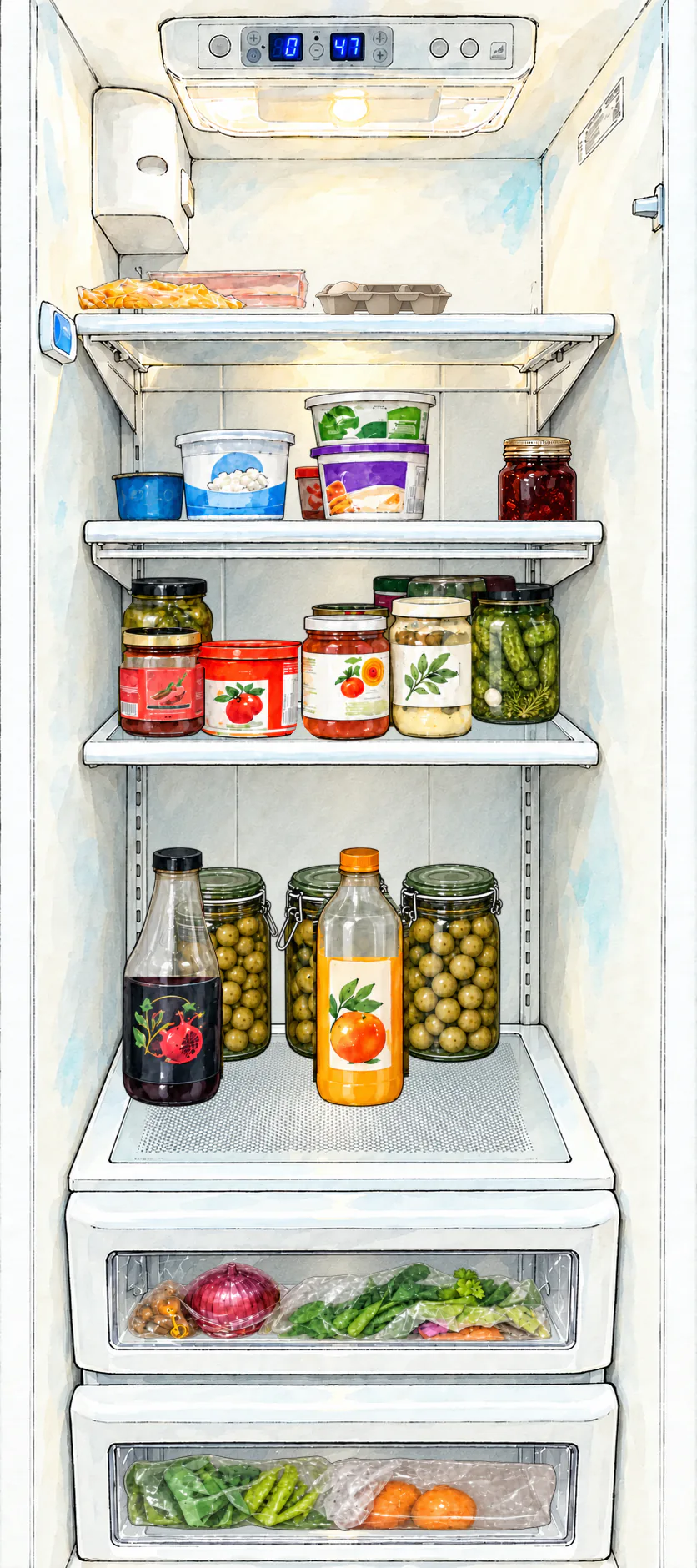 Thursday
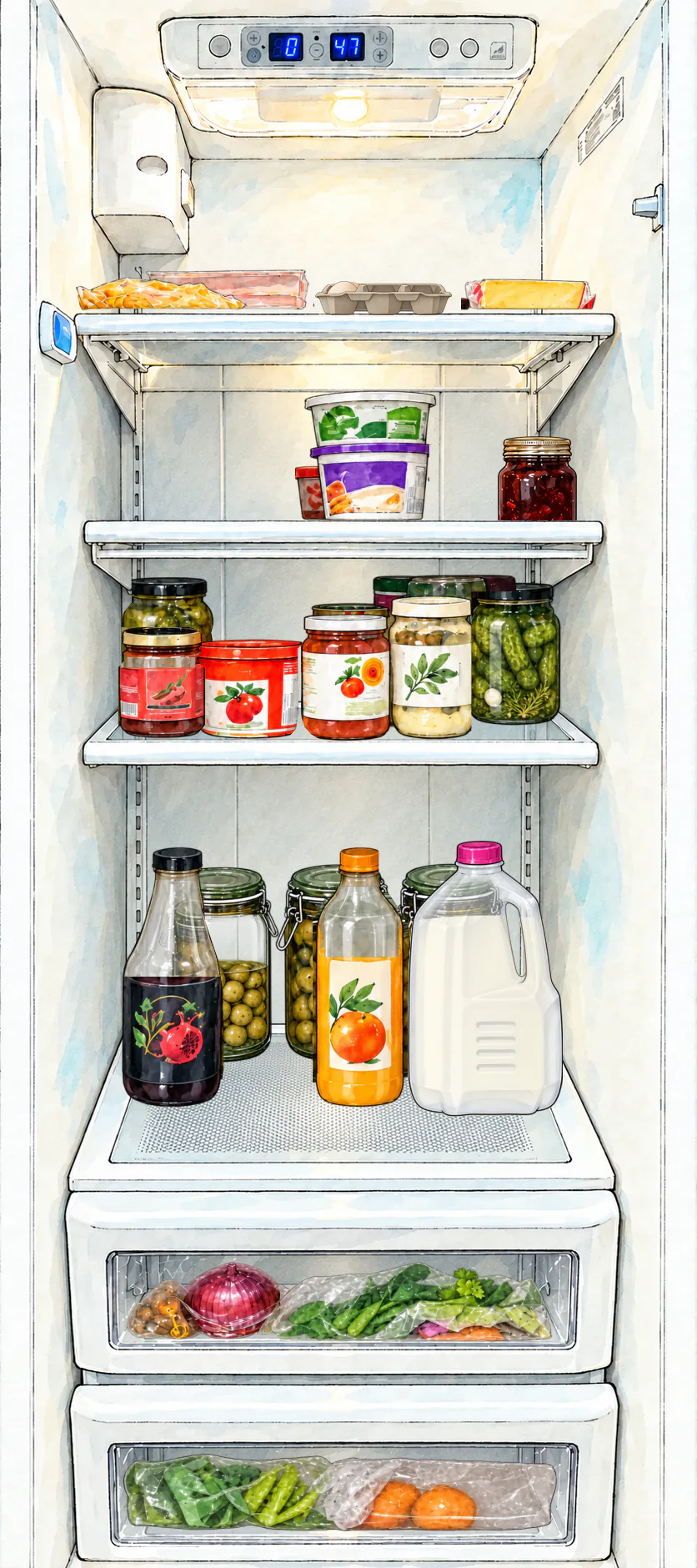 Friday
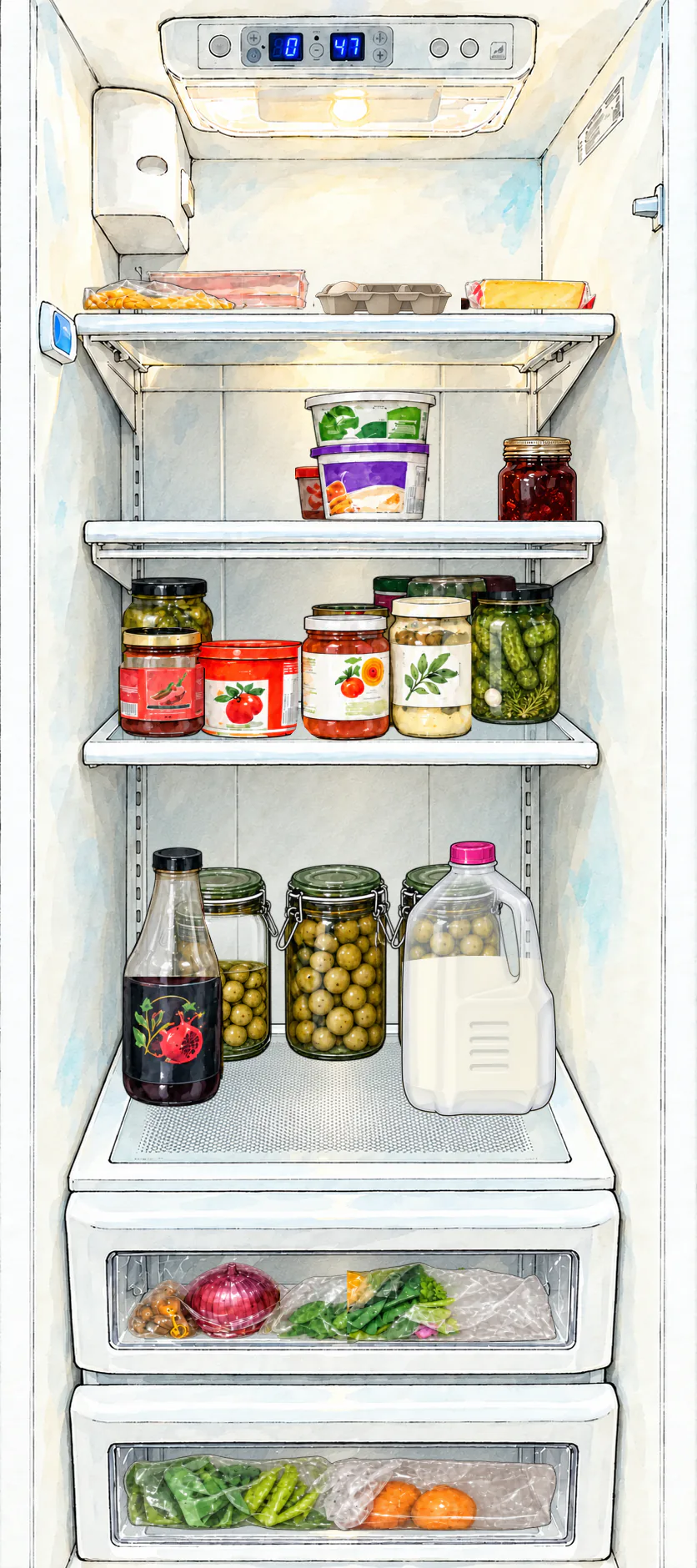 Saturday
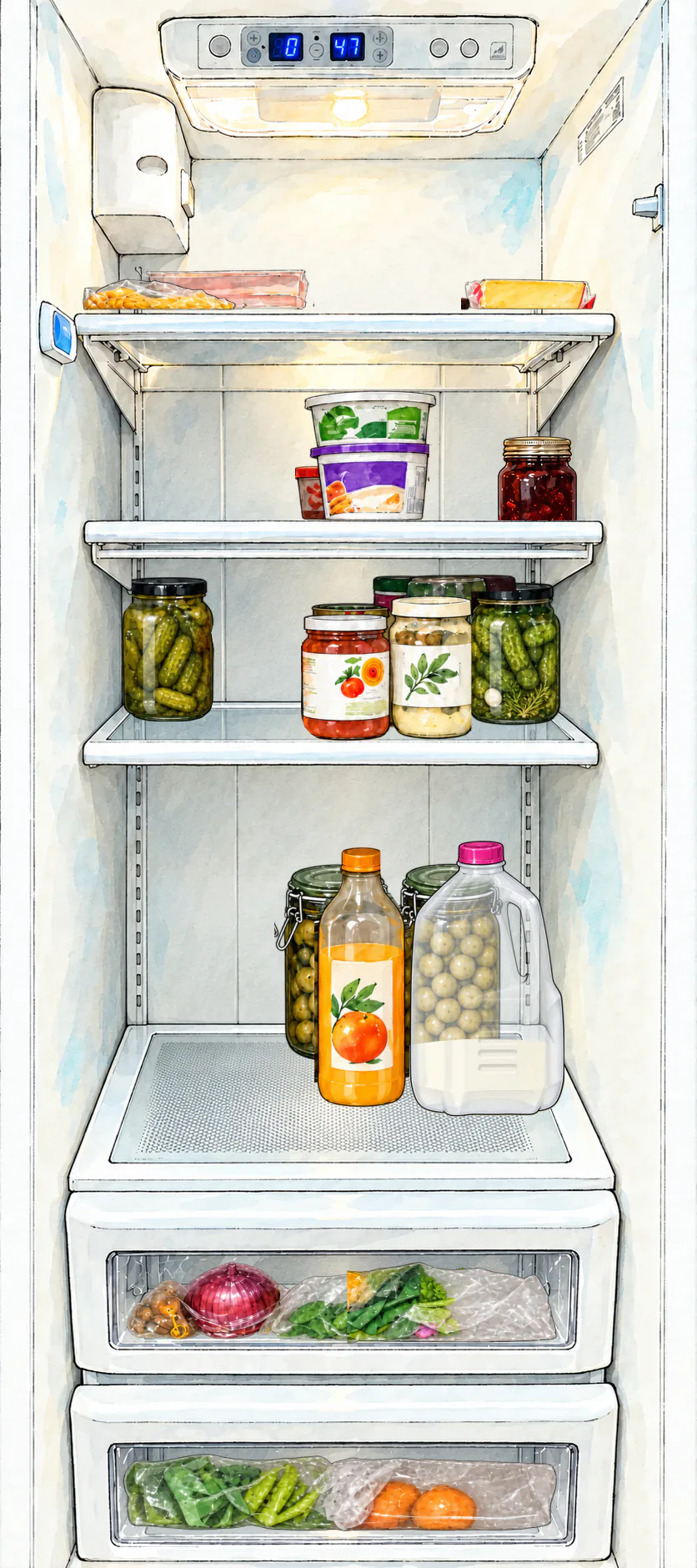
Sunday
Scan a receipt or add items directly, then track quantities, storage, expiry, use, and waste.
from the shop to the shelfCompare meals with inventory and items that expire soon.
start with what is already thereBring low stock and meal-plan gaps into one shopping list.
low stock or a meal-plan gapReview activity, waste, and consumption over time.
the week leaves a useful trailTHE SAME HOUSEHOLD, TWO USEFUL VIEWS
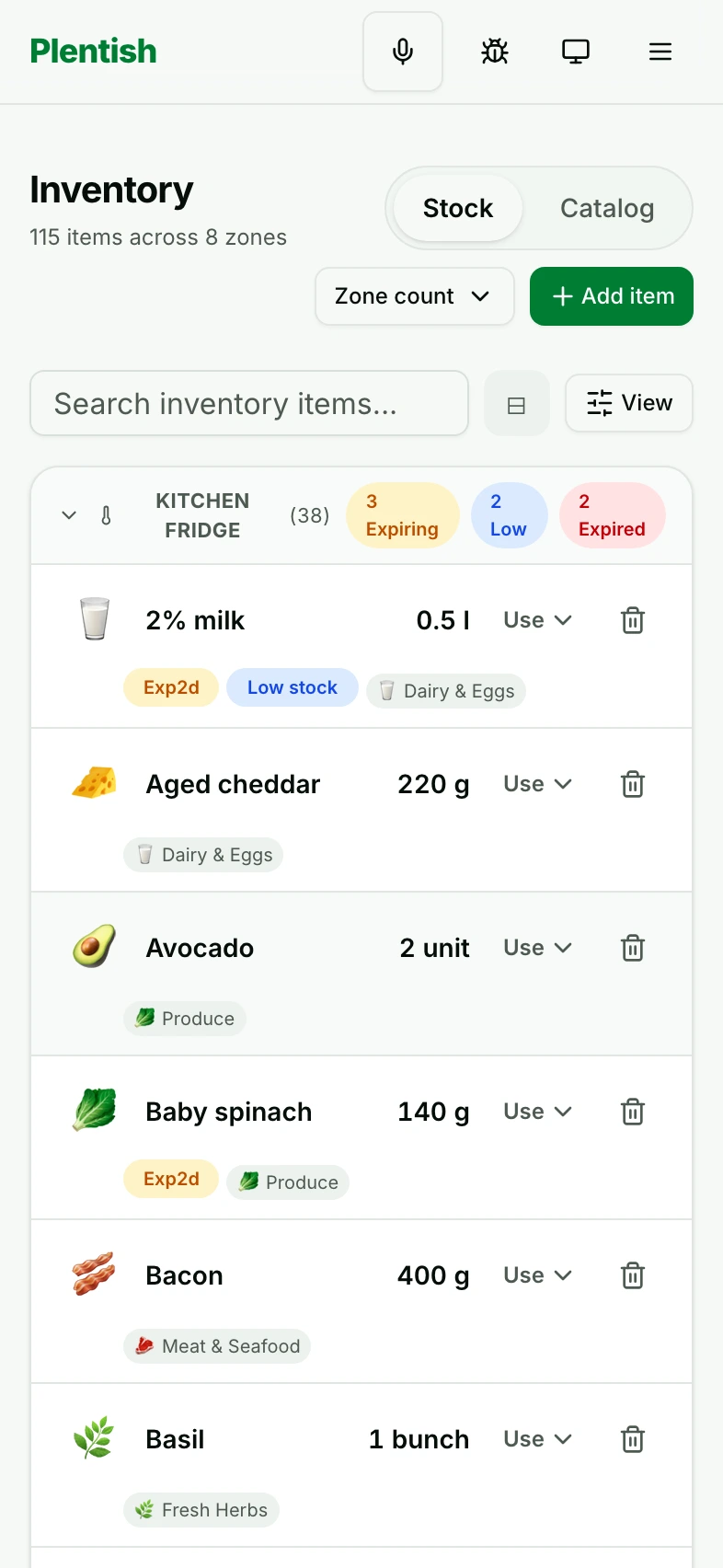
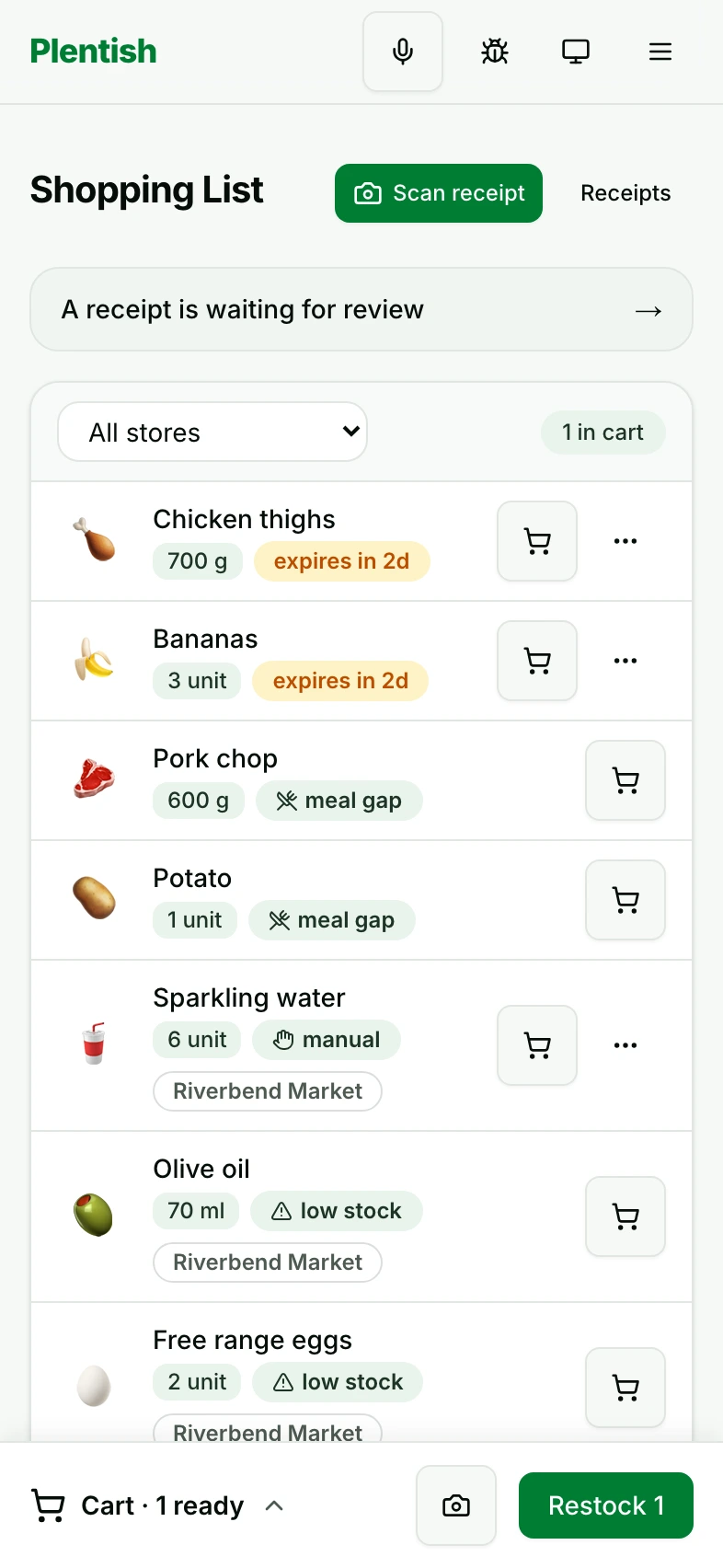
Check what you have at home. Bring low stock and meal-plan gaps into your household shopping list.
FROM WHAT YOU HAVE TO WHAT IS NEXT
The reason stays attached, from the things on your shelf
to the meal on your plan and the items on your list.
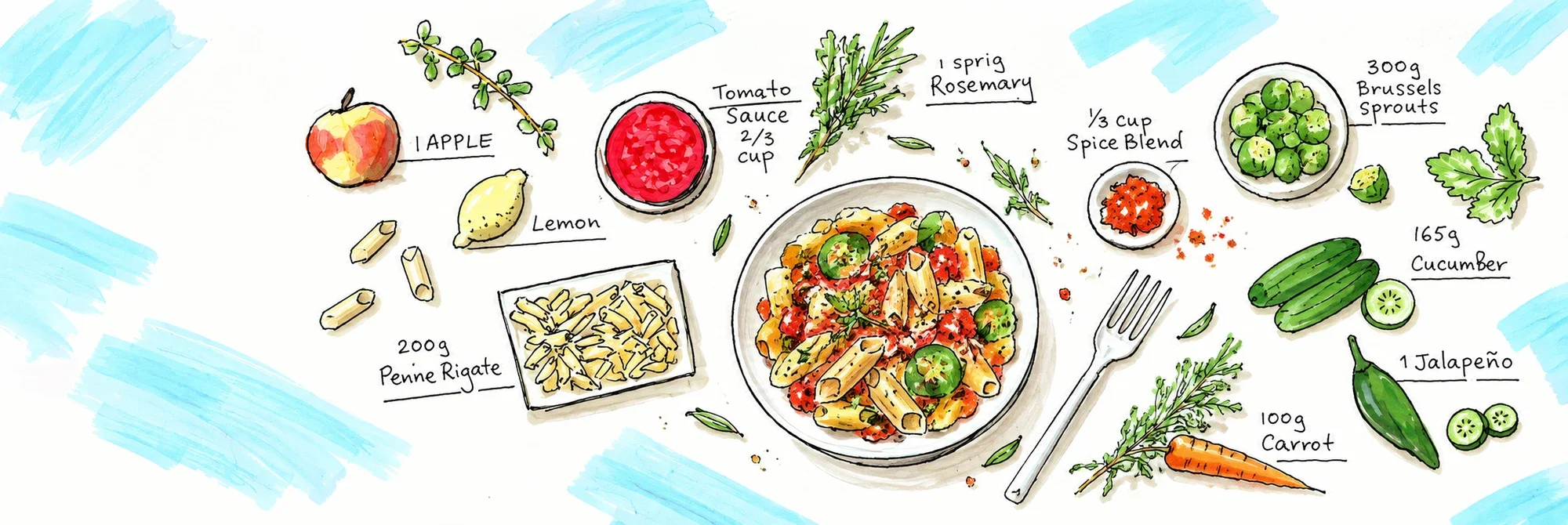
Know what needs
replenishing.
See what the
week still needs.
Give what you have
a place in the plan.
FROM THE SHOP TO THE SHELF
Bring your shop into the household picture. Check the photo, review the products and quantities, then restock what you have brought home.
Watch the steps, or choose a moment below.
A WEEK TAKING SHAPE
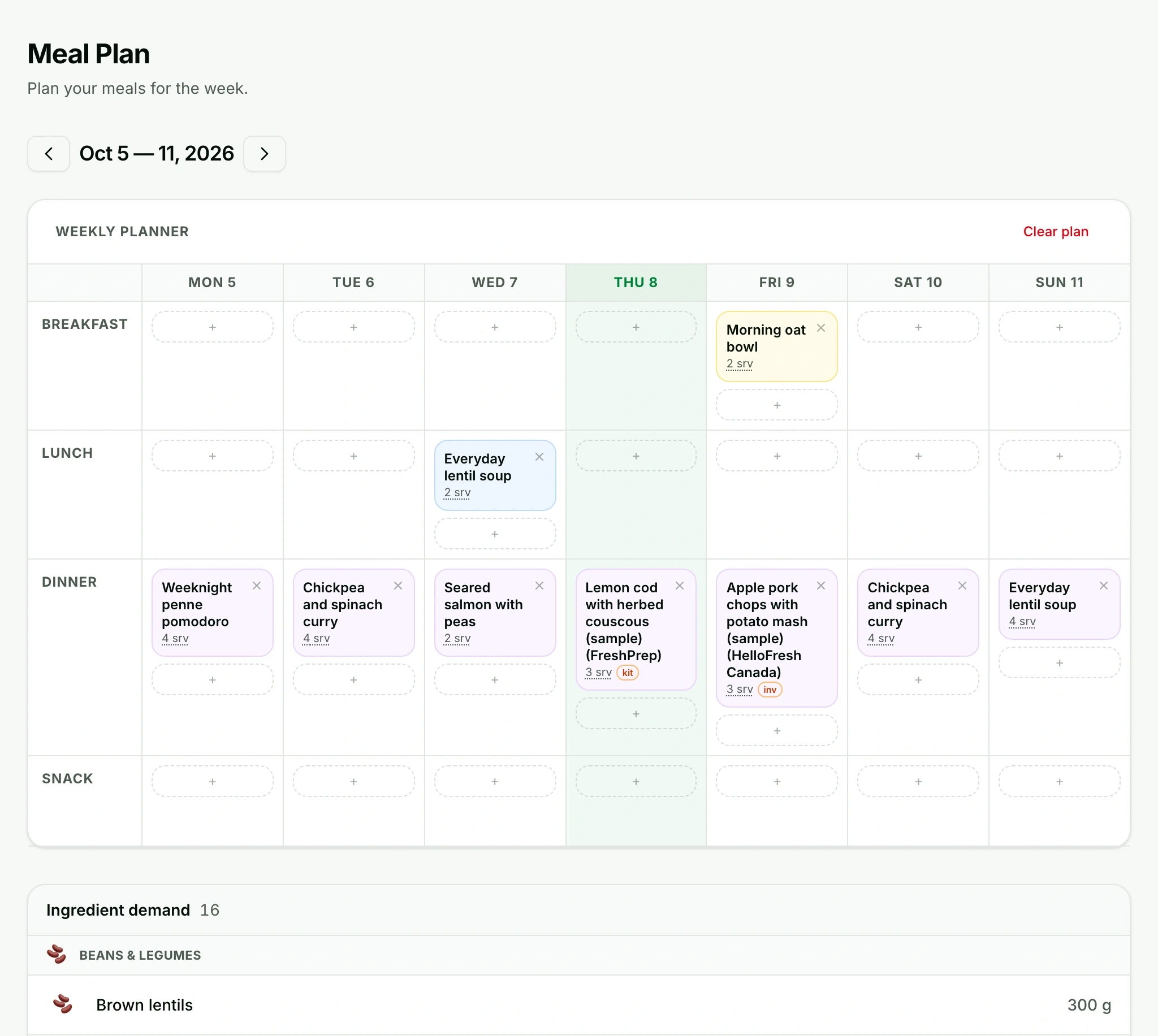
Plan meals and servings for each day. Keep the week in view, from the things on your shelf to the next shop.
make yourself at home.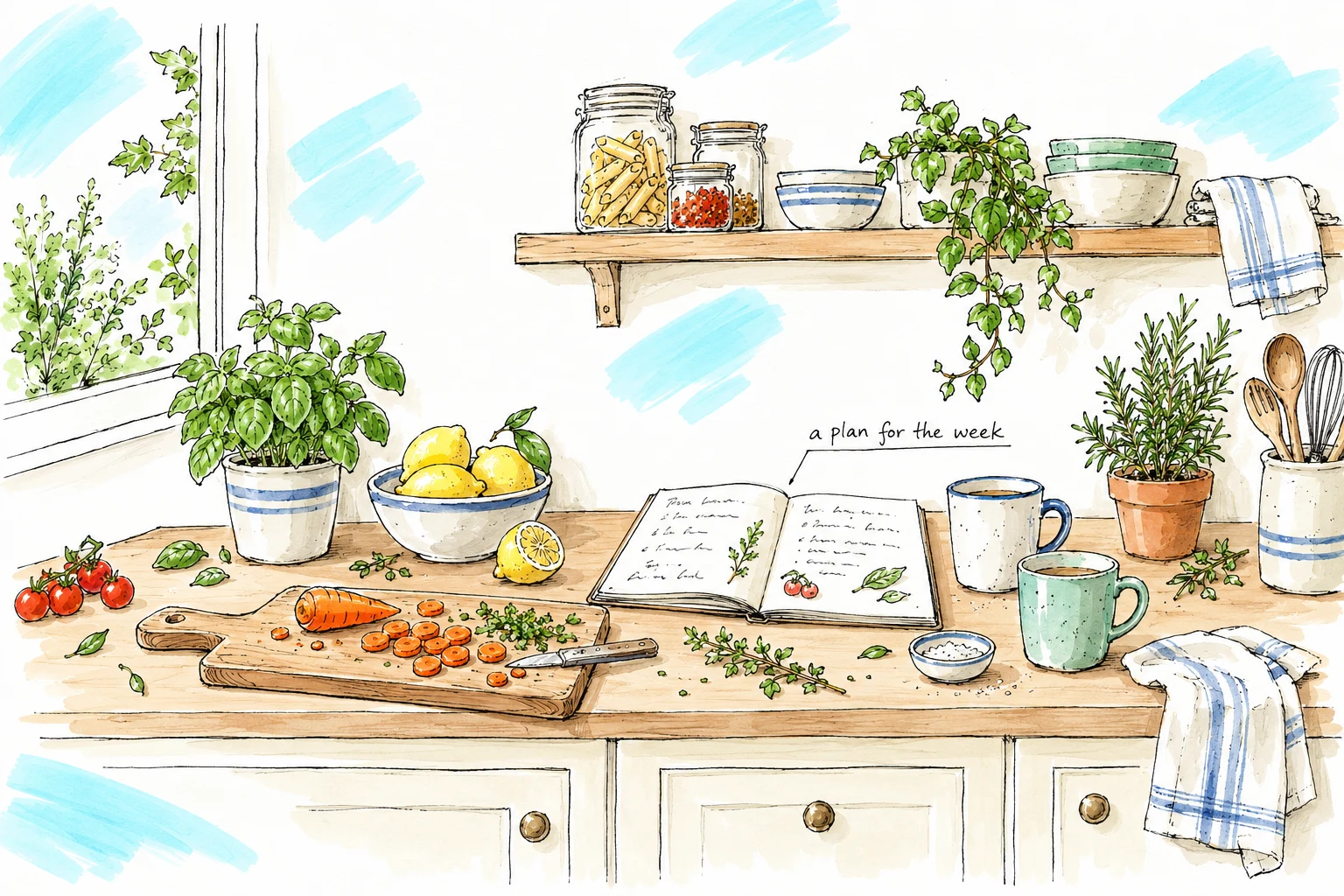
Favourites, with a little variety
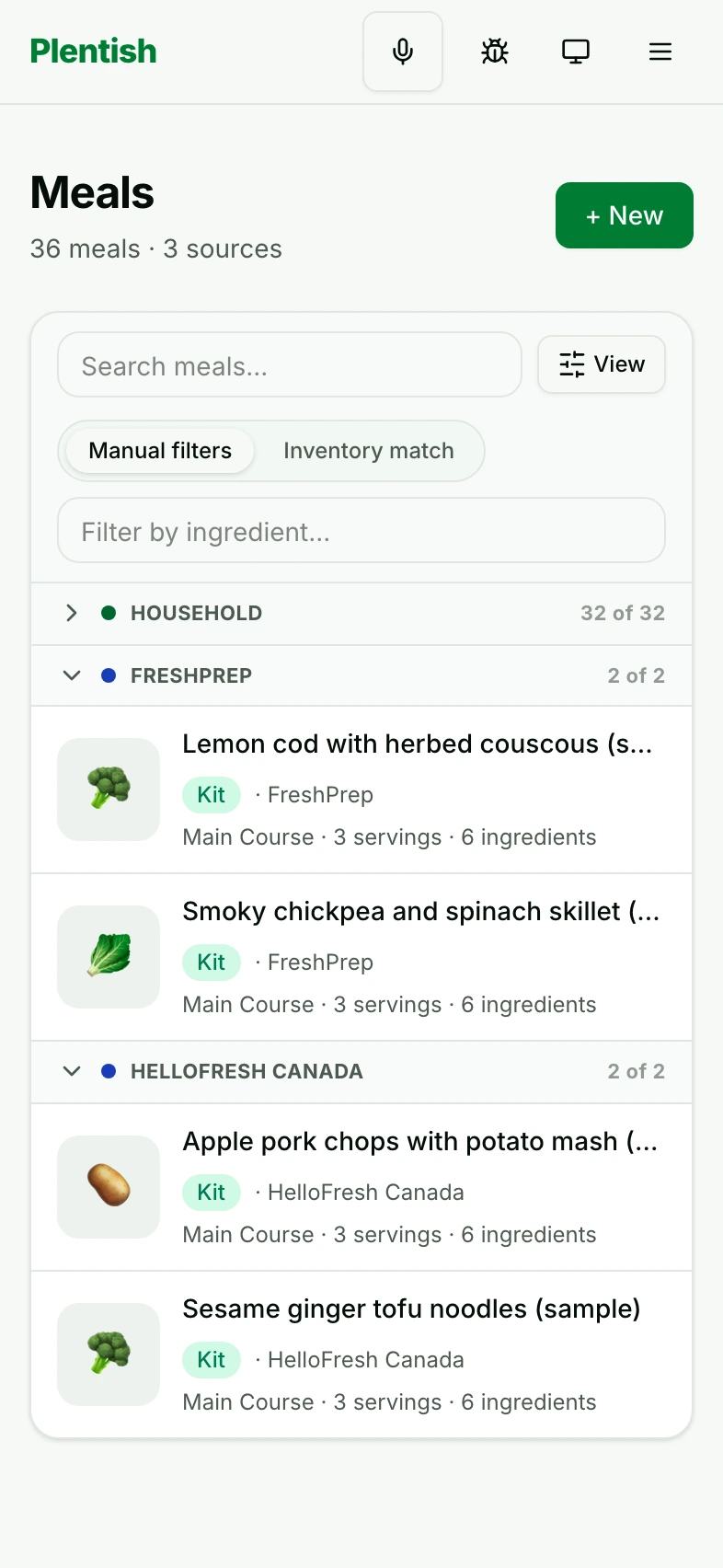
Keep household favourites alongside recipes from FreshPrep and HelloFresh Canada. Bring them into the same weekly plan, with ingredients accounted for when a kit is expected.
THE WEEK LEAVES A TRAIL
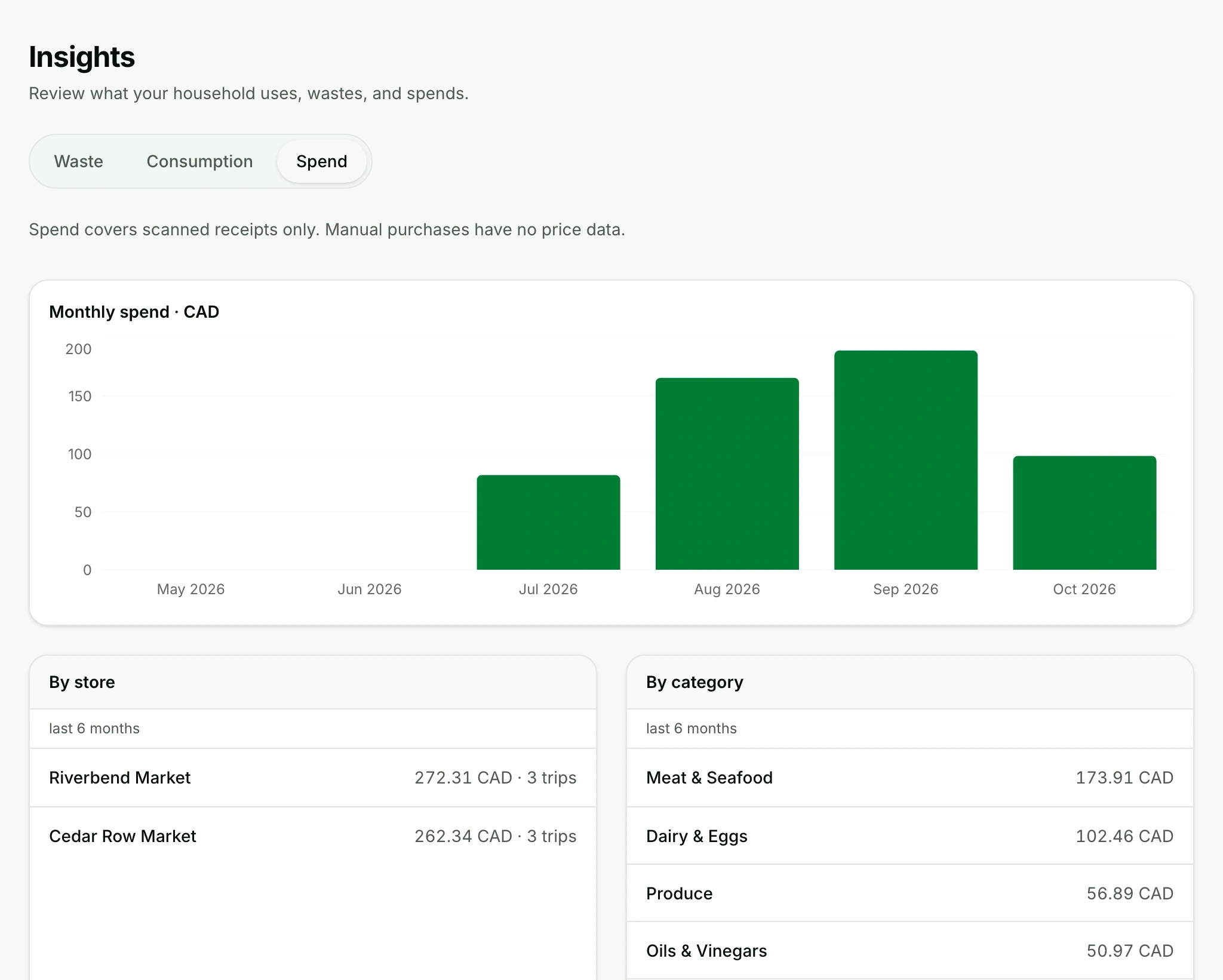
Review receipt-backed grocery spending, waste, and consumption over time.
Try the tabs in the image to explore waste, use and spending. Select an app image for a closer look.
Voice commands · A little less typing
Two eggs into the pan. A fresh carton in the fridge. A quick count before shopping. Tell Plentish what changed, check what it understood, then confirm.
Say what you used, threw out, counted or added. One product at a time.
Check the product, amount and proposed change. Choose a product or batch if asked, or edit the words.
Your inventory changes when you confirm. You can type the command, too.
a small update,
before you forget.
Everyday examples
Explore a command. These examples don’t record audio or change inventory.
After making breakfast
“I used two eggs.”
The proposed changeRecord two eggs as used from your inventory.
When you confirm, the selected batch has two fewer eggs.
A quick look in the fridge
“There are six eggs left.”
The proposed changeCorrect your total to six eggs, rather than subtracting six.
Review the affected batches, then confirm the count.
Putting the groceries away
“Add six eggs to the fridge.”
The proposed changeAdd six eggs to your fridge, using the product already in your catalog.
Check the batch and quantity before confirming the addition.
Clearing out the crisper
“Threw out 50 grams of spinach because it spoiled.”
The proposed changeRecord 50 grams of spinach as wasted, with “Spoiled” as the reason.
Confirm to reduce the selected batch and record the waste.
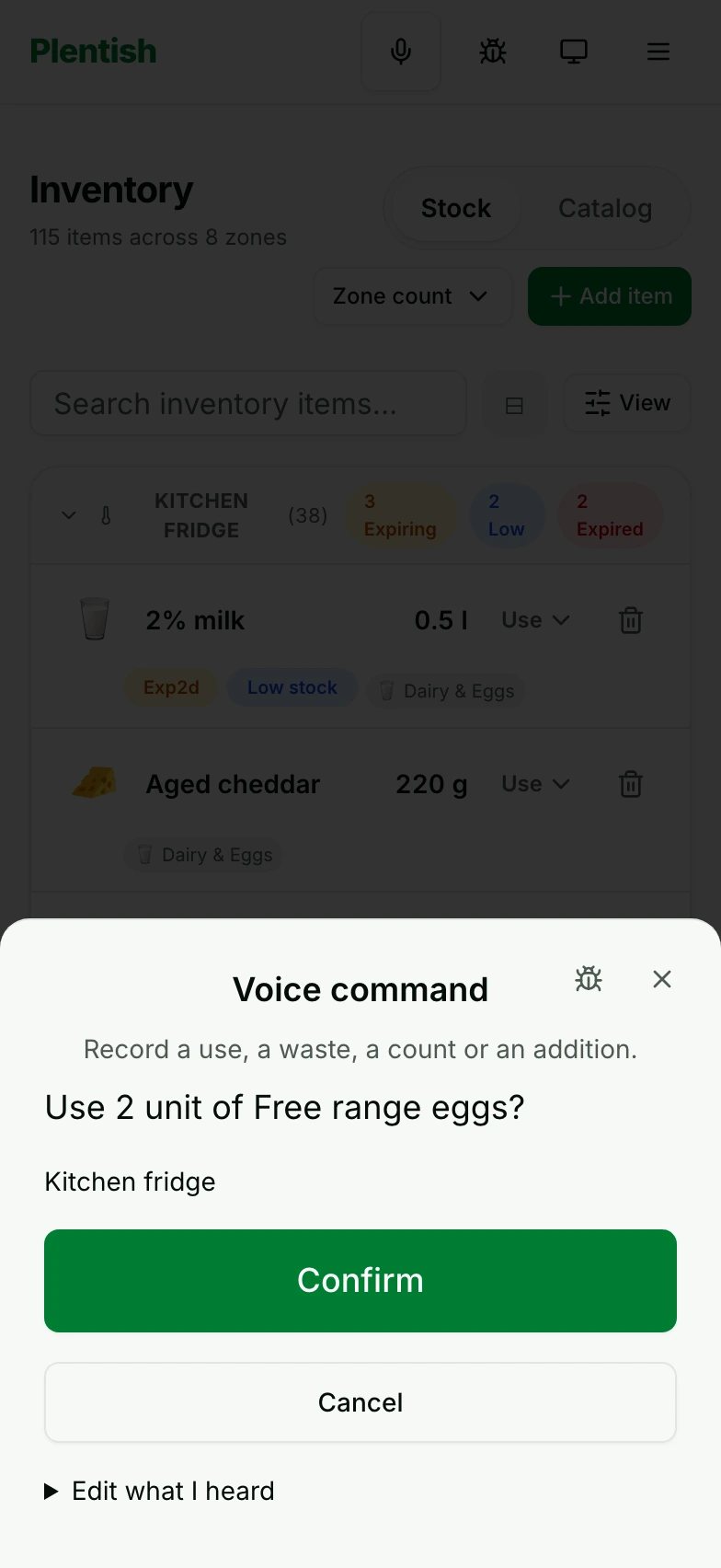
Commands work with products already in your household catalog.
THE USEFUL DETAILS
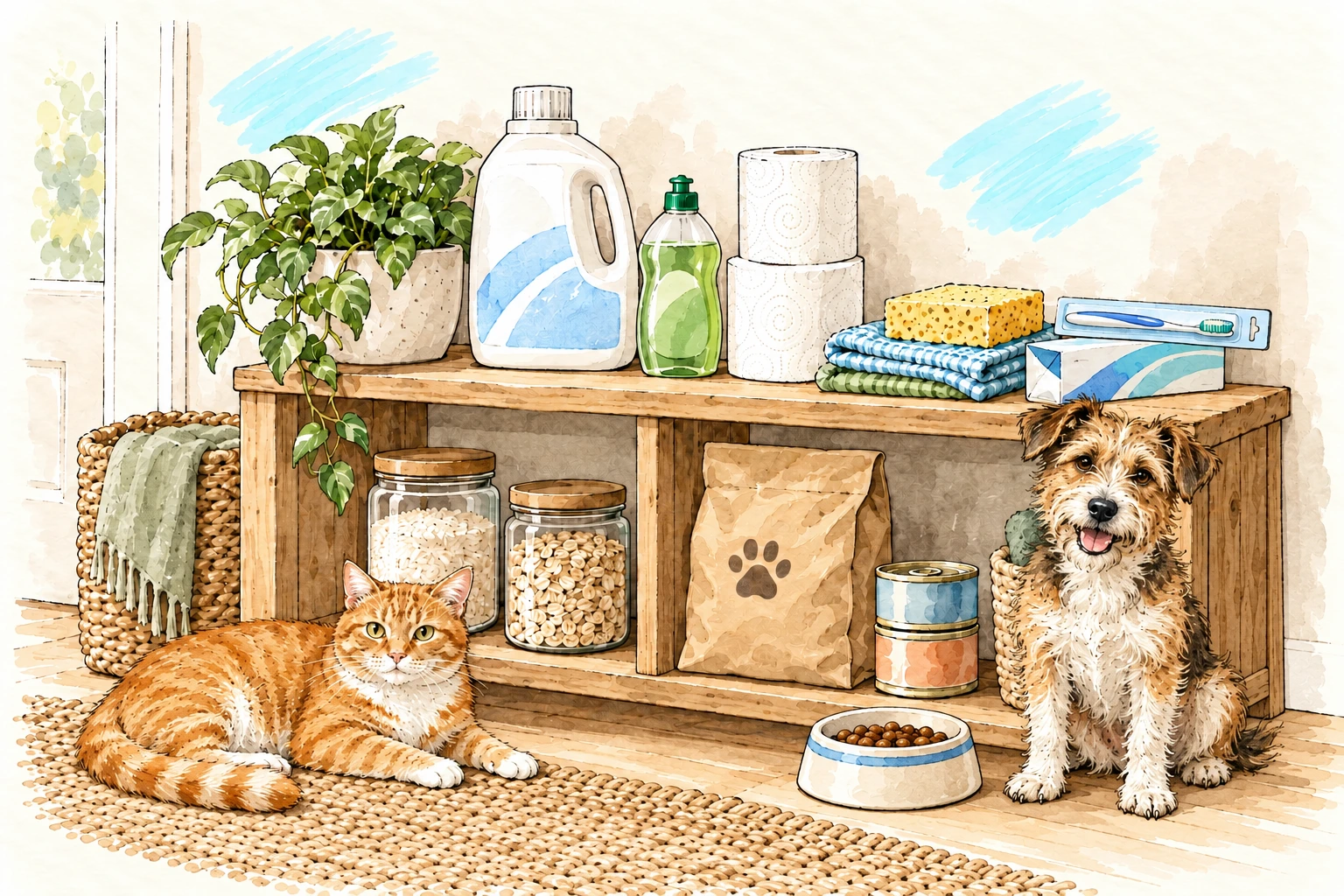
Groceries, household essentials and pet supplies, alongside meals and shopping. The everyday details, kept together.
Make room for your week
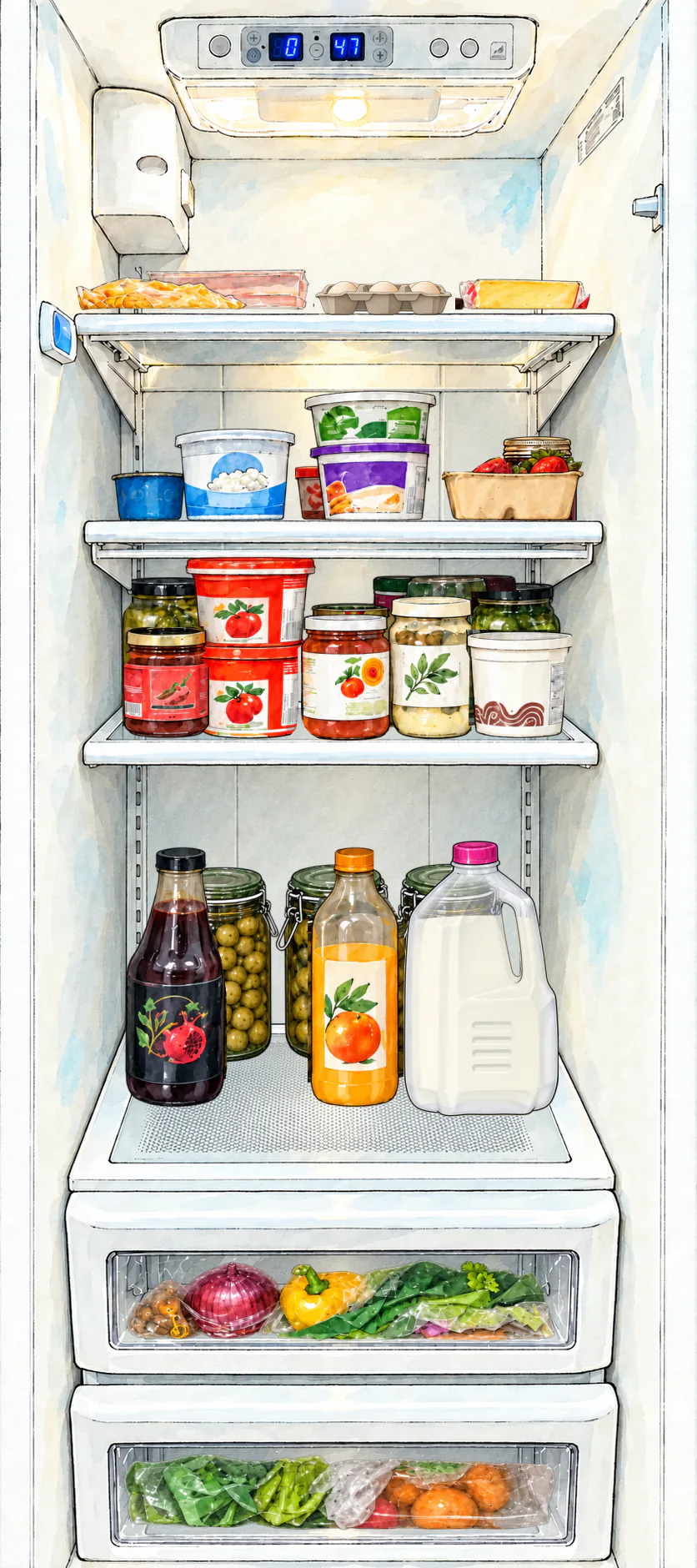
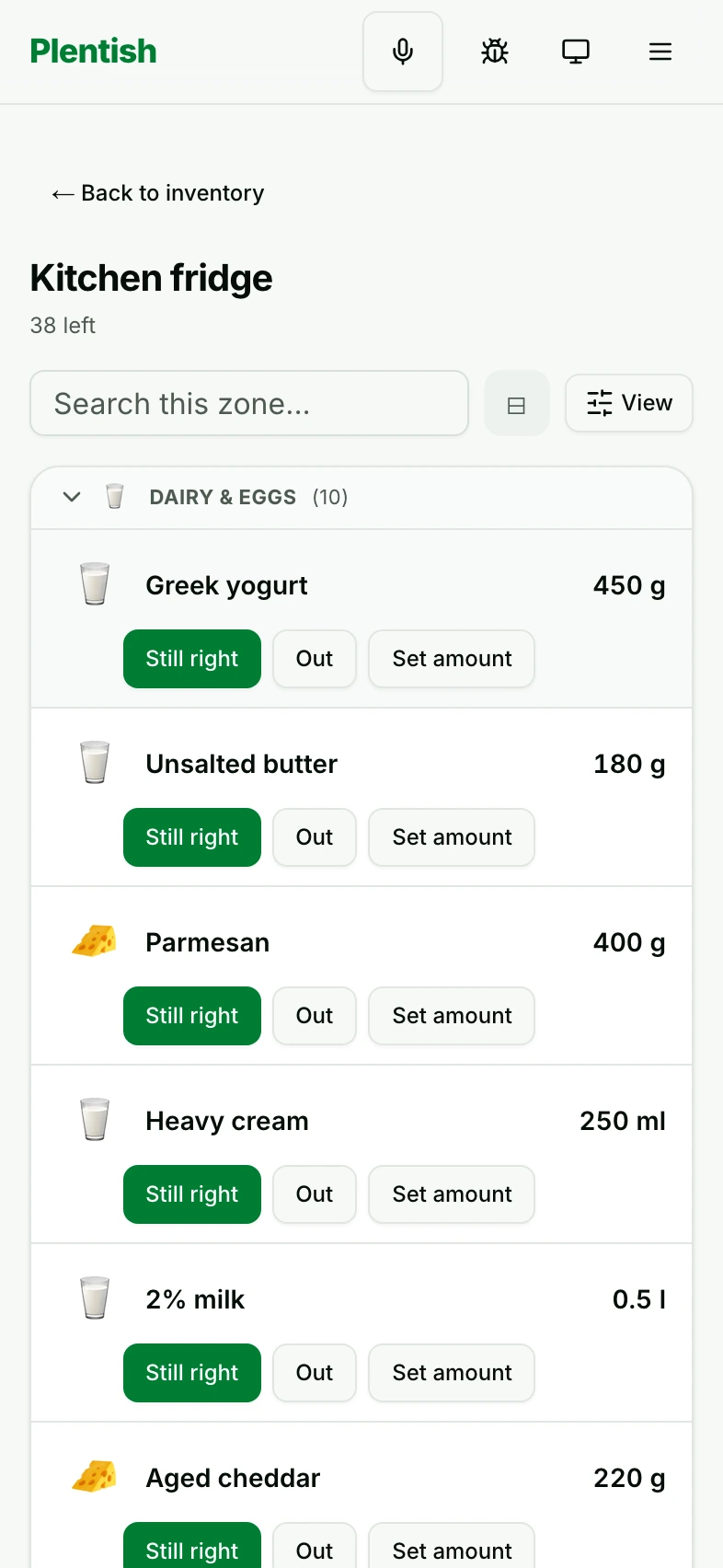
Quantities, batches, storage zones, expiry, use, and waste. Keep track of what is there and what changes.
Walk a storage zone, confirm what is there, and see what is still unchecked.
Phone capture, automatic crop, line-by-line review, and confirmed restock.
Reusable meals and meal-kit recipes with inventory matching, plus ratings you can sort and filter by. Plan meals and servings across weeks.
Manual needs, low stock, meal gaps, stores, and cart restock. See the reason behind each item.
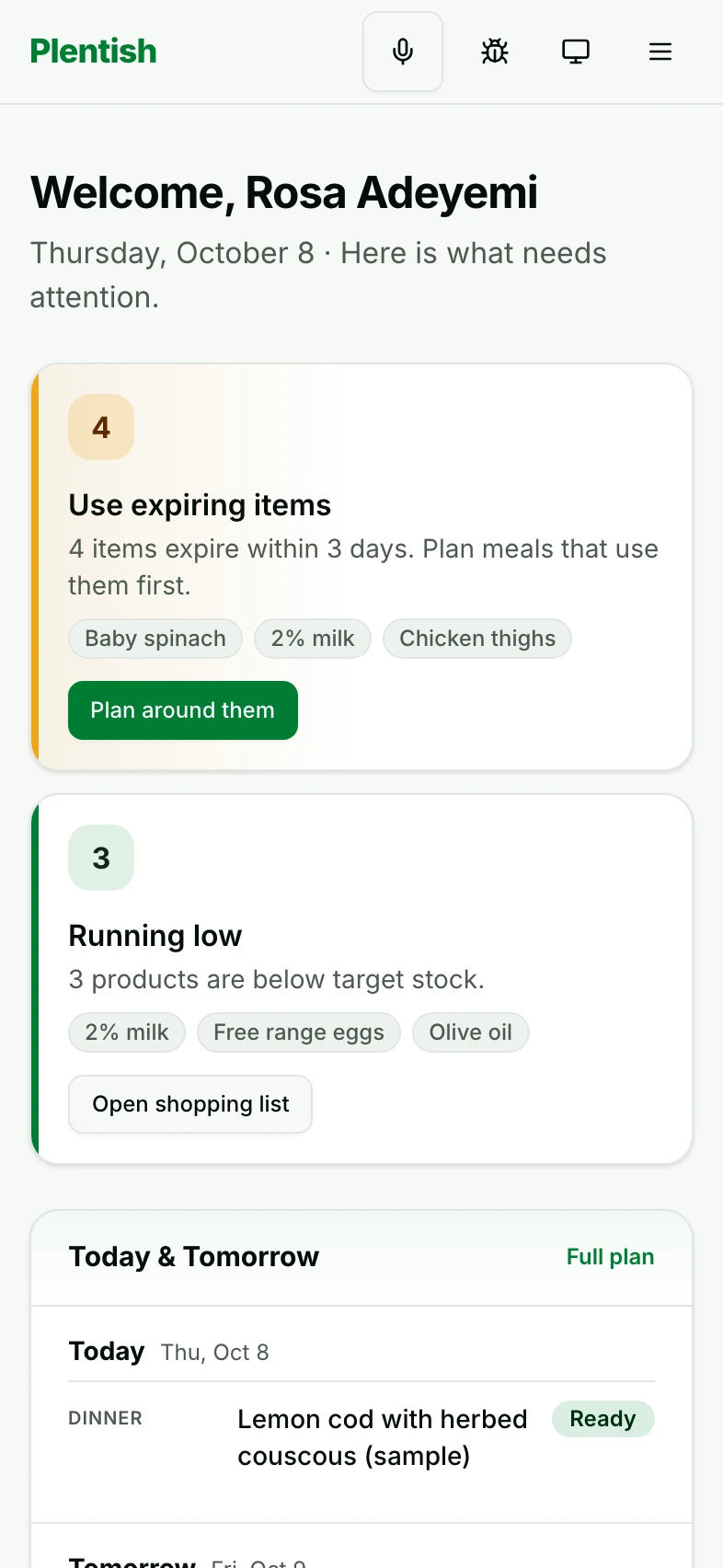
Today, tomorrow, alerts, and recent household activity, together in the daily dashboard.
Waste, consumption, and receipt-backed grocery spending, drawn from your household history.
Owner-managed invitations. A beta household has up to four members, including the owner. A shared picture of the week.
Say what you used, added, counted or threw out. Review the product and amount before confirming the change.
Explore everyday voice commandsA NOTE FROM PLENTISH
Start with a few items and one week of meals.
Use it in the routines you already have, and
help shape what comes next.
Households that join while the beta is open become beta subscribers and won’t pay subscription fees, now or after the beta ends.
Everyone in your household is covered, including people you invite later. Beta places are limited. Read the terms
A HOUSEHOLD IS A PRIVATE THING
Household data stays
scoped to the household.
No advertising
or profiling.
Data deletion can be
requested at any time.